Internet connectivity has become essential to modern business operations. Businesses rely on internet access to use cloud applications, communicate with customers, hold virtual meetings, manage business systems, transfer information and support remote employees.
Different internet technologies offer different levels of speed, reliability, latency, coverage and mobility. Understanding these differences can help businesses choose a connection that suits their location, number of users and day to day operations. This article explains the main types of internet connections, how they work and which options may be suitable for different business requirements.
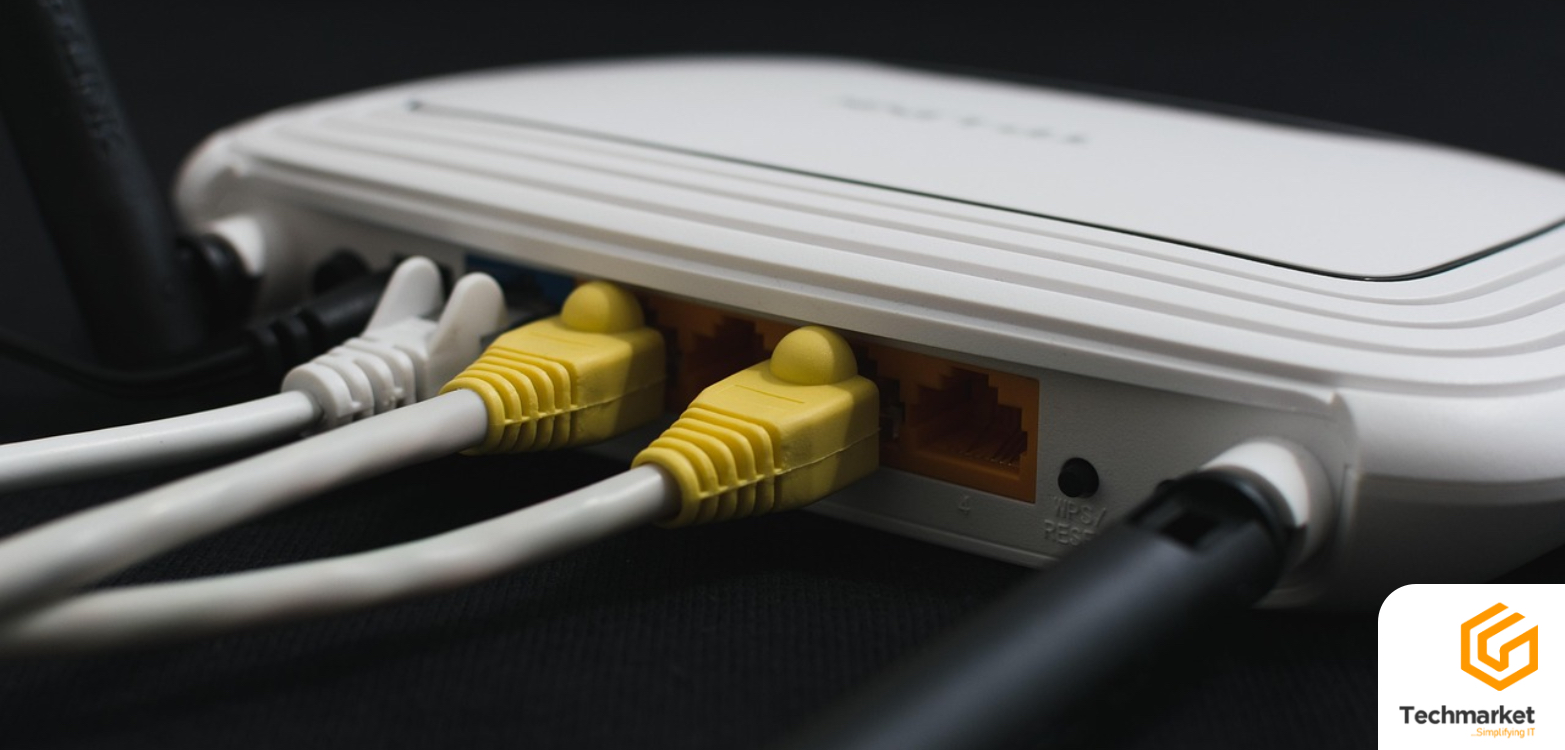
What Are the Main Types of Internet Connections?
Internet connections can be broadly grouped into wired, fixed wireless and wireless technologies. Each type has different characteristics and may be better suited to particular locations and business requirements.
A. Wired Internet Connections
Wired internet connections use physical cables to transmit data between the service provider and the customer’s premises. Common examples include fibre optic and copper based connections.
1. Fibre Optic Internet
Fibre optic internet uses pulses of light to transmit data through fibre optic cables. This allows large amounts of information to be transferred quickly over long distances. Fibre is widely used for high speed broadband and business connectivity because it can provide high bandwidth and low latency.
Depending on the provider and service package, fibre connections can offer download speeds of up to 1 Gbps and upload speeds of up to 300 Mbps. This makes fibre suitable for businesses that depend heavily on internet connectivity throughout the working day.
Why Businesses Choose Fibre Internet
Several employees may use internet based applications at the same time. They may access cloud platforms, send large files, attend video meetings, update customer records and use business applications simultaneously. A reliable fibre connection can support these activities by providing the bandwidth and low latency required for modern business operations.
Fibre internet is particularly suitable for:
- Cloud based business applications
- Video conferencing
- Large file transfers
- Online collaboration
- Customer relationship management systems
- Enterprise resource planning systems
- Business intelligence platforms
- Voice and video communication
- Offices with multiple connected users
Fibre can also provide more consistent performance than some wireless alternatives, particularly when a business has high bandwidth requirements. For organisations that depend on continuous access to digital systems, reliable connectivity can help minimise disruptions to daily operations.
2. Copper or Telephone Cable Internet
Copper based internet connections use traditional telephone cable infrastructure to provide internet access. This technology remains available in some locations, particularly where fibre infrastructure has not yet been deployed. The speed available depends on the specific technology, infrastructure and service provider. Some copper based broadband services can provide download speeds of around 50 Mbps, with lower upload speeds.
These connections may be sufficient for basic browsing, email and other less demanding activities. Businesses that rely heavily on cloud applications, frequent file transfers, video conferencing or multiple simultaneous users may require a higher capacity connection.
Compared with copper based connections, fibre can provide significantly higher speeds and lower latency. As fibre networks continue to expand, copper based internet is becoming less suitable for businesses with growing connectivity requirements.
B. Wireless Internet Connections
Wireless technologies transmit data without requiring a physical cable to connect directly to the premises or device. They include Wi-Fi, radio internet, mobile internet and satellite internet.
1. Wi-Fi
Wi-Fi allows devices to connect wirelessly to a local network through a router or wireless access point. It is important to distinguish Wi-Fi from the underlying internet connection. For example, an office may have a fibre connection entering the building while employees connect their laptops, smartphones and other devices through the office Wi-Fi network.
Wi-Fi performance depends on factors such as router capacity, access point placement, building structure, interference, the number of connected devices and network configuration. Wi-Fi therefore distributes an existing internet connection within a premises rather than replacing the underlying internet service.
2. Radio Internet
Radio internet uses radio signals to transmit data between a business location and a network access point. It provides fixed internet connectivity without requiring a fibre cable to be connected directly to the premises. This makes radio internet a useful option for businesses located in areas where fibre infrastructure is unavailable, limited or difficult to deploy. It can be particularly useful for offices, commercial properties and other fixed locations that require reliable internet access.
How Radio Internet Works
Radio internet typically requires suitable equipment to be installed at the customer’s premises. The equipment communicates with a corresponding network point using radio signals. The performance of a radio connection can depend on factors such as distance, network coverage, equipment and the physical environment. Depending on the technology, a suitable line of sight between the connection points may also be required. When properly deployed, radio internet can provide reliable connectivity for businesses that need an alternative to traditional wired infrastructure.
Radio internet may be suitable when:
- Fibre is not available at the business location
- Installing fibre would be difficult or impractical
- A business needs connectivity outside an existing fibre network
- Fixed wireless connectivity is suitable for the premises
- A business requires an additional connection for network continuity
The suitability of radio internet depends on the location and network conditions, so businesses should have their premises assessed before selecting this type of connection.
3. Mobile Internet
Mobile internet provides network access through cellular networks. Technologies such as 4G and 5G allow smartphones, routers and other devices to connect to the internet without a fixed wired connection. Mobile internet is particularly useful for people who travel, work remotely or need temporary connectivity. Performance depends on factors such as network coverage, signal strength, network congestion, location and the service provider.
For businesses, mobile internet can support remote workers and travelling employees. It can also serve as a temporary or backup connection when a primary fixed connection is unavailable. Mobile internet may be less suitable as the main connection for businesses that require consistently high capacity for a large number of users.
4. Satellite Internet
Satellite internet provides internet access through communication between user equipment and satellites. It can be particularly useful in remote locations where fibre, copper and mobile network infrastructure are unavailable or difficult to install. Speeds vary considerably between satellite providers and technologies, with newer satellite services capable of significantly higher speeds than traditional systems.
One of the main limitations of some satellite systems is latency. Traditional satellite connections can experience higher delays because data needs to travel between the user’s equipment and a satellite in orbit. Performance depends on the technology, location and service provider. Weather conditions can also affect some satellite connections.
How Do Internet Connection Types Compare?
Internet speed is an important consideration when choosing a connection, but businesses should also look at upload speed, latency, reliability, coverage and network capacity.
| Internet Connection | Speed Information | Main Advantage |
|---|---|---|
| Fibre optic | Up to 1 Gbps download and 300 Mbps upload | High speed, low latency and reliable performance |
| Copper or telephone cable | Varies by technology and provider | Available in locations without fibre |
| Radio internet | Varies by provider and location | Fixed wireless connectivity |
| Mobile internet | Varies according to network conditions | Mobility and flexible access |
| Satellite internet | Varies by technology and provider | Connectivity in remote locations |
| Wi-Fi | Depends on the underlying connection and wireless network | Wireless access within a premises |
Actual speeds depend on the provider, service package, infrastructure and network conditions. Advertised speeds are not always the same as the speeds experienced by users. Network congestion, infrastructure, equipment, location and the service package can all affect actual performance.
The most suitable connection is therefore not necessarily the one with the highest advertised speed. The connection should provide the right combination of performance, reliability, availability and capacity for the organisation’s requirements.
How to Choose the Right Internet Connection for Your Business
Choosing an internet connection should start with the business requirement rather than the advertised speed.
1. Business Location
The availability of fibre, radio, mobile and other technologies varies between locations. Businesses should first determine which connectivity options are available at their premises.
2. Number of Users
An office with a large number of employees will generally require more network capacity than a small office with only a few users. The number of connected devices should also be considered.
3. Business Applications
Businesses that rely on cloud ERP systems, CRM platforms, video conferencing, file sharing and other online applications need a connection that can support these activities consistently.
4. Upload Speed
Download speed often receives the most attention, but upload speed is also important for businesses that send large files, upload information to cloud platforms or use video communication.
5. Latency
Latency refers to the time it takes for data to travel between systems. Lower latency is particularly useful for applications that require real time communication and interaction.
6. Reliability
Frequent internet outages can interrupt business activities and reduce working time. Network reliability should therefore be considered alongside speed when comparing internet services.
7. Backup Connectivity
Businesses that depend heavily on internet access may benefit from having a secondary connection. A backup connection can help maintain access to critical systems when the primary connection experiences an outage.
Which Type of Internet Is Best for Business?
The most suitable internet connection depends on the location, size and requirements of the business.
- Fibre internet: Suitable for businesses that require high bandwidth, low latency and consistent connectivity.
- Radio internet: Suitable for fixed business locations where fibre is unavailable or difficult to deploy.
- Mobile internet: Useful for travelling employees, remote workers and backup connectivity.
- Satellite internet: Useful for remote locations where terrestrial infrastructure is unavailable or limited.
- Copper based internet: Can support basic connectivity in locations where newer infrastructure is not available, although it may be less suitable for businesses with demanding connectivity requirements.
- Wi-Fi: Suitable for providing wireless access to an existing internet connection throughout a business premises.
Final Thoughts
Internet connectivity is now part of everyday business operations, so an unreliable connection can quickly disrupt business operations. For this reason, businesses should look beyond advertised speeds when choosing an internet connection. Reliability, latency, bandwidth, location and the number of users should all be considered to ensure the connection can support daily operations.
Looking to improve your business connectivity or need a new internet connection? Speak with Techmarket to explore fibre and radio connectivity options suited to your business needs.